Vibe Coding Security: 5 Holes to Check in AI-Built Apps
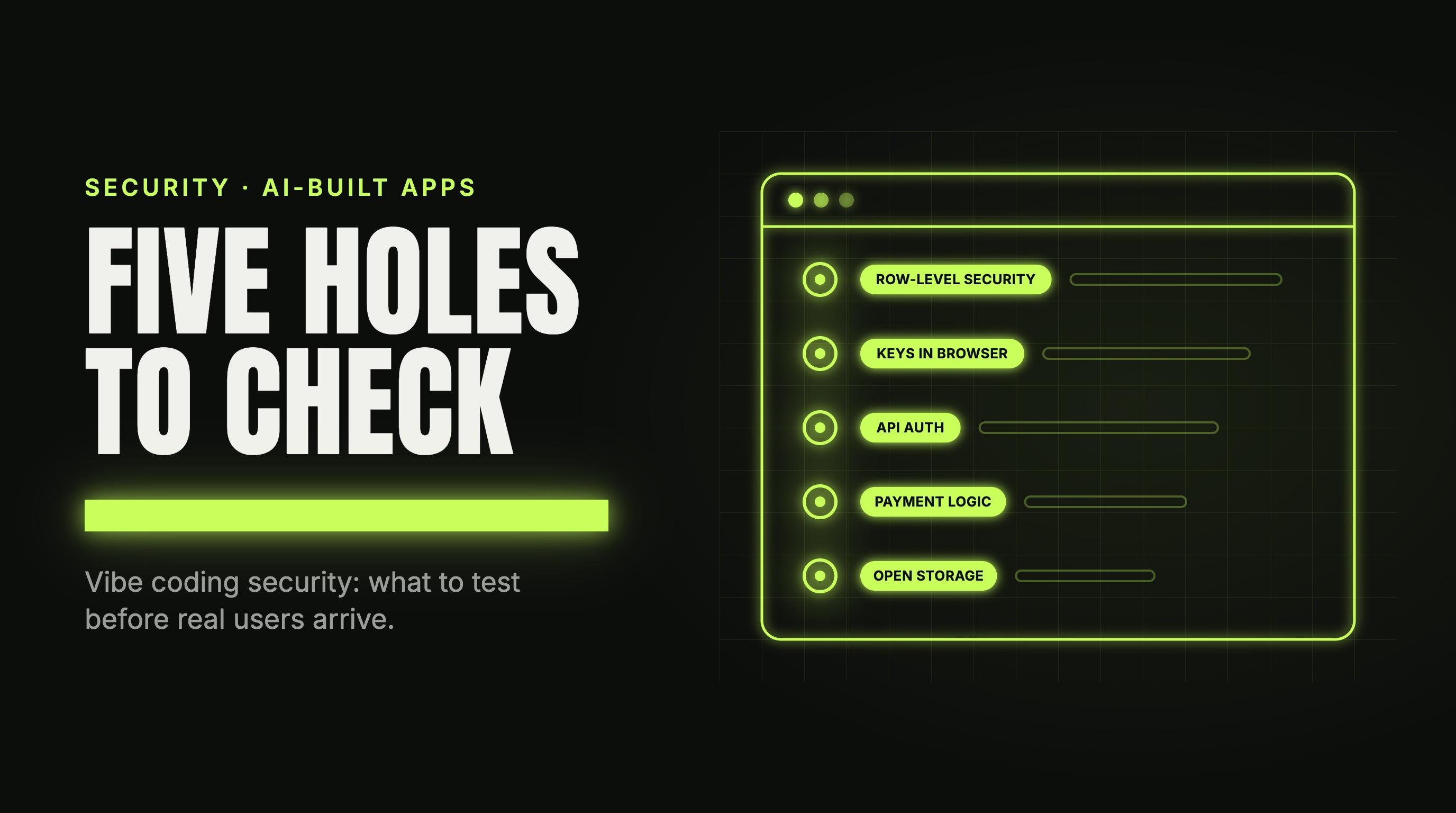
Vibe coding security is a real problem, and most of it is checkable. You can test the five biggest holes in an afternoon, with a browser and a terminal.
You built an app with Lovable, Cursor, Bolt or Claude. It works. Now users are signing up and money is moving. One builder on r/vibecoding said it plainly: “I’m scared to deploy it for everyone to use as I don’t know how much I can trust the code that Claude has generated for me.” Another builder asked the question outright: “I’m wondering if it’s real or people just wanna scare us.”
It is real, it is narrower than the headlines, and you do not need to be an expert to look for it.
TL;DR: AI-built apps can work and still leak data. Five holes cause most of the risk: row-level security that exposes every row, secrets in the browser, missing authorization on API routes, payment logic trusted from the client, and open storage or admin routes. Each has a check you can run in minutes without a scanner.
Is vibe coding security a real problem or fear marketing?
Some apps are fine. But an AI tool is asked to make the feature work, and nothing in that loop asks whether it is safe. A page that saves data looks finished even when anyone on the internet can read that data. Two sourced facts, with limits.
- Veracode’s 2025 GenAI Code Security Report, a large public test of AI-generated code security, ran more than 100 large language models on 80 curated coding tasks and found vulnerabilities in 45 percent of cases. That is a lab test, not a measure of Lovable or Cursor apps.
- CVE-2025-48757 covers a row-level security flaw in Lovable through 2025-04-15 that lets unauthenticated attackers read or write database tables of generated sites. It is disputed: the supplier says each customer is responsible for their own app’s data.
Lovable’s documentation says “Misconfigured RLS rules are a common cause of data leaks.” So whether your app leaks is a fact about your app. The five checks below find out.
Which stack these examples use. Lovable’s built-in backend (Cloud) runs on Supabase’s open-source foundation, and Lovable and Bolt can both connect your own Supabase project, so the examples use Supabase. Bolt’s built-in option is Bolt Database. On a built-in backend you have no Supabase dashboard: run the browser checks, skip the dashboard steps, and ask the platform to make fixes. In Lovable, More > Cloud > Database shows your security policies. On any other backend, check your platform’s documentation for the commands.
Hole 1: Row-level security that exposes every row
What it is. Supabase lets the browser talk to your database directly. Row-level security (RLS) decides which rows each visitor can see. Policies are where mistakes happen.
Why AI tools produce it. A policy of using (true) makes the “permission denied” error go away, so the feature works. One r/lovable commenter put it this way: “A policy that just says true passes every automated security checkup and still lets anyone read every row”. Supabase’s Security Advisor has a lint for always-true policies (0024), but it skips read policies on purpose, because public reads are often intended. So a read policy of using (true) is not flagged. And a lint cannot know that a user should only see their own orders.
Check it as a stranger
- Open your app in Chrome, signed in. Open DevTools (Cmd+Option+J on Mac, Control+Shift+J on Windows or Linux), select Network, click the Fetch/XHR filter and reload.
- Find a request to
/rest/v1/<table>on<PROJECT_REF>.supabase.co. The publishable key is in itsapikeyheader. - In a terminal, ask for the table with no login, in the shape of Supabase’s own example:
curl 'https://<PROJECT_REF>.supabase.co/rest/v1/<table>?select=*' \
  -H "apikey: <PUBLISHABLE_KEY>"
On Windows, run curl in Git Bash or WSL. If rows come back from a table that holds user data, anyone on the internet can read it. Repeat for every table you see. If nothing comes back, confirm the table is not simply empty.
Check it as two users
A builder on r/lovable asked it best: “How do I make sure User A can never see User B’s data?”
- Create two test accounts, each in its own browser profile. As User A, create a record and copy its
idfrom that request’s response in the Network tab. If the insert returns no body, run a GET for A’s records as User A and copy anidfrom the reply. - As User B, find any request to that table in the Network tab, right-click it, and choose Copy as cURL.
- Send a read request (GET) only, never PATCH or DELETE, which would change A’s row. In the copied command, delete any filter on the user, such as
user_id=eq.<B_ID>. Then addid=eq.<A_ROW_ID>, starting it with&if the URL already has a?, otherwise with?. Run it.
If B gets A’s row, you have the hole. If the reply is [], also run it with no filters: it should list only B’s rows. Test writes the same way, with test data only.
What a fix looks like
Policies tied to the signed-in user:
alter table public.orders enable row level security;

create policy "Users read their own orders"
on public.orders for select
to authenticated
using ( (select auth.uid()) = user_id );
Use with check on insert and update, so a user cannot create a row for someone else. Tables made in the SQL Editor need RLS turned on by hand. Never base a policy on user_metadata, which signed-in users can change.
Hole 2: Secrets in the browser
What it is. Some keys are meant to be public and some never are. Calling a public key a leak is a false alarm, so start here.
| Key and what it starts with | In the browser? |
|---|---|
Supabase publishable key, sb_publishable_ |
Yes, with RLS on |
Supabase secret key, sb_secret_ |
Never. Skips RLS |
Legacy Supabase anon key, eyJ |
Yes, with RLS on |
Legacy Supabase service_role key, eyJ |
Never. Skips RLS |
Stripe publishable key, pk_ |
Yes |
Stripe secret, organization and restricted keys, sk_, sk_org_, rk_ |
Never |
Stripe webhook signing secret, whsec_ |
Never. Server only |
| Any other third-party API key | Almost always never |
Why AI tools produce it. The tool wants the call to work, so it puts the key where the code can reach it. In Vite apps, VITE_ variables are bundled into client-side source, and Vite says they should not hold API keys.
Check it
Open your live app, open DevTools, then reload the page. Press Cmd+Option+F (Control+Shift+F on Windows or Linux) to open Search and look for sk_live, sk_test, sk_org, rk_live, rk_test, sb_secret_ and whsec_. Search skips network headers and responses, so also open the Network tab, press Cmd+F (Control+F), and search again.
Legacy Supabase keys are JWTs, so search for eyJ too. For each hit, run atob("...") in the Console with the text between the two dots. If the result contains "role":"service_role", the key is exposed. Never paste keys into a website to decode them.
What a fix looks like
Move the call that needs the secret into server code, such as a Supabase Edge Function. Then rotate the key (see below).
Hole 3: Missing authorization on API routes
What it is. Logged in is not the same as allowed. OWASP lists this as API1:2023, Broken Object Level Authorization: attackers manipulate the ID of an object sent in a request.
Why AI tools produce it. A route fetches a record by ID and checks you are signed in, not that the record is yours.
Check it
Sign in as User B. In the Network tab, find a request that carries an ID, like /api/invoices/123 or ?user_id=.... Copy as cURL and change the ID to one that belongs to User A. If A’s record comes back, the route trusts the ID and ignores who is asking. Also check whether a user can edit an admin or role flag in their own profile.
What a fix looks like
The server finds the user from the session, never from the request body, and filters by that user.
Hole 4: Payments and plans trusted from the browser
What it is. Anything the browser sends, a person can edit. If the browser says what the price is, or that the user has paid, the app trusts the wrong party.
Why AI tools produce it. The quickest working checkout sends the price from the page, and the quickest paid flag is one the page sets.
Check it, three ways
Use Stripe test keys and test data only.
- Price in the request. Start a checkout with DevTools open and find the request that creates the payment. If its body holds an amount or price, edit it and resend. Stripe’s documentation sets the price on the server.
- Plan flag in the database. As a free user, copy the update request your profile page sends (Copy as cURL) and add a field like
planoris_paidset to a paid value. If it saves, any user can make themselves a paying customer. - Webhook with no signature. Send your payment webhook URL a request with no
Stripe-Signatureheader:
curl -i -X POST https://<YOUR_APP>/<WEBHOOK_PATH> \
  -H "Content-Type: application/json" \
  -d '{"type":"test.ping"}'
Stripe says to verify every event with the Stripe-Signature header and your whsec_ secret, and its example handlers return 400 when verification fails. A handler that answers 200 to an unsigned request does not verify. Also open your “payment successful” page directly, as a user who never paid. Stripe says fulfillment cannot rely on that page alone.
What a fix looks like
The server sets the price. Only the verified webhook flips plan or is_paid. Users can read that field but not write it.
Hole 5: Storage and admin surface left open
What it is. Files and back-office pages that anyone can open without signing in.
Why AI tools produce it. A public bucket makes images load with no setup, and a hidden admin menu item looks like protection.
Check it
- Files. In Supabase, anyone with a public bucket’s file URL can read the file. Find a file request in the Network tab and open its URL in a private window. Only URLs containing
/object/public/mean a public bucket. Links with/object/sign/and a token are signed and expire, which is expected. Invoices, IDs or contracts should not be in a public bucket. - Admin pages. Lovable and Bolt apps draw their pages in the browser, so a redirect to login proves nothing. Open the admin page as an admin and Copy as cURL its data requests. To run them as an ordinary user, sign in as one in another browser profile, Copy as cURL any request from that session, and replace the
Authorizationheader in the admin command with that one. If data comes back, the admin page is open.
What a fix looks like
Supabase buckets are private by default. Serve private files with createSignedUrl, which expires. Protect admin data on the server or in the database rules, not just the page or a hidden menu item.
Why automated checkups and AI reviewers miss these
A checkup can confirm that a policy exists. It cannot know what the policy was meant to do. Lovable says its security tools “help identify common security issues, but they cannot guarantee complete security.” The original post in that r/lovable thread said: “all security checkup from the web is good, BUT we dont know the case with hackers”. Your two-user test asks what a hacker would ask.
What to do after you check
Fix in this order.
- Data access first. Fix RLS and route authorization. This is where user data leaks.
- Secrets next. Move any exposed secret to the server, then rotate it. In Supabase, follow its documented steps: create a new secret key in Settings > API Keys, switch the app to it, then retire the old key. A secret key is deleted. A legacy
service_rolekey (startseyJ) is retired by deactivating the legacy keys in the same section. Switch the browser code to the publishable key first, because that also turns off the legacyanonkey. In Stripe, use the overflow menu on the API keys page and choose Rotate key. On Lovable Cloud or Bolt Database, ask the platform to rotate it. - Payments last. Server-set prices, a verified webhook, and a plan field users cannot write.
- Retest. Run the same checks again.
When to get a second pair of eyes
These checks find the common holes, not everything. If your app has users or payments and you want a person to try to break it from the outside, we run a free vibe coding security audit. We test apps built with Lovable, Bolt, Replit, Cursor or Claude Code. Testing, results and the explanation of every finding are free. If we find something critical, we also offer to fix it for you. That fix is a separate job, and we tell you what it involves before you decide. We sign an NDA before starting.
FAQ
Is vibe coding safe?
It can be, but safe is not automatic. AI tools write code that works, and working code is not the same as secure code. An app is safe when its data rules, keys, routes and payment logic have been tested. Run the five checks above before real users arrive.
How do I make my vibe-coded app secure?
Check five things: row-level security, secrets in the browser, authorization on every API route, payment logic on the server, and open storage or admin pages. Fix data access first, then secrets, then payments. Rotate any exposed key, and retest after each fix.
Is Lovable secure?
Lovable security is partly your job. Lovable says its security tools cannot guarantee complete security and that you are responsible for your app’s security. Whether your app is secure depends on how its database rules, keys and routes are set up. Test it with two accounts and a logged-out browser.
Can AI check its own code for security?
It can catch common mistakes, and that helps. But an AI reviewer reads the code. It does not sign in as a second user and ask for the first user’s data. Use AI review as one layer, and run the live checks yourself.