Roofing SEO: A Do-It-Yourself Guide for Roofers
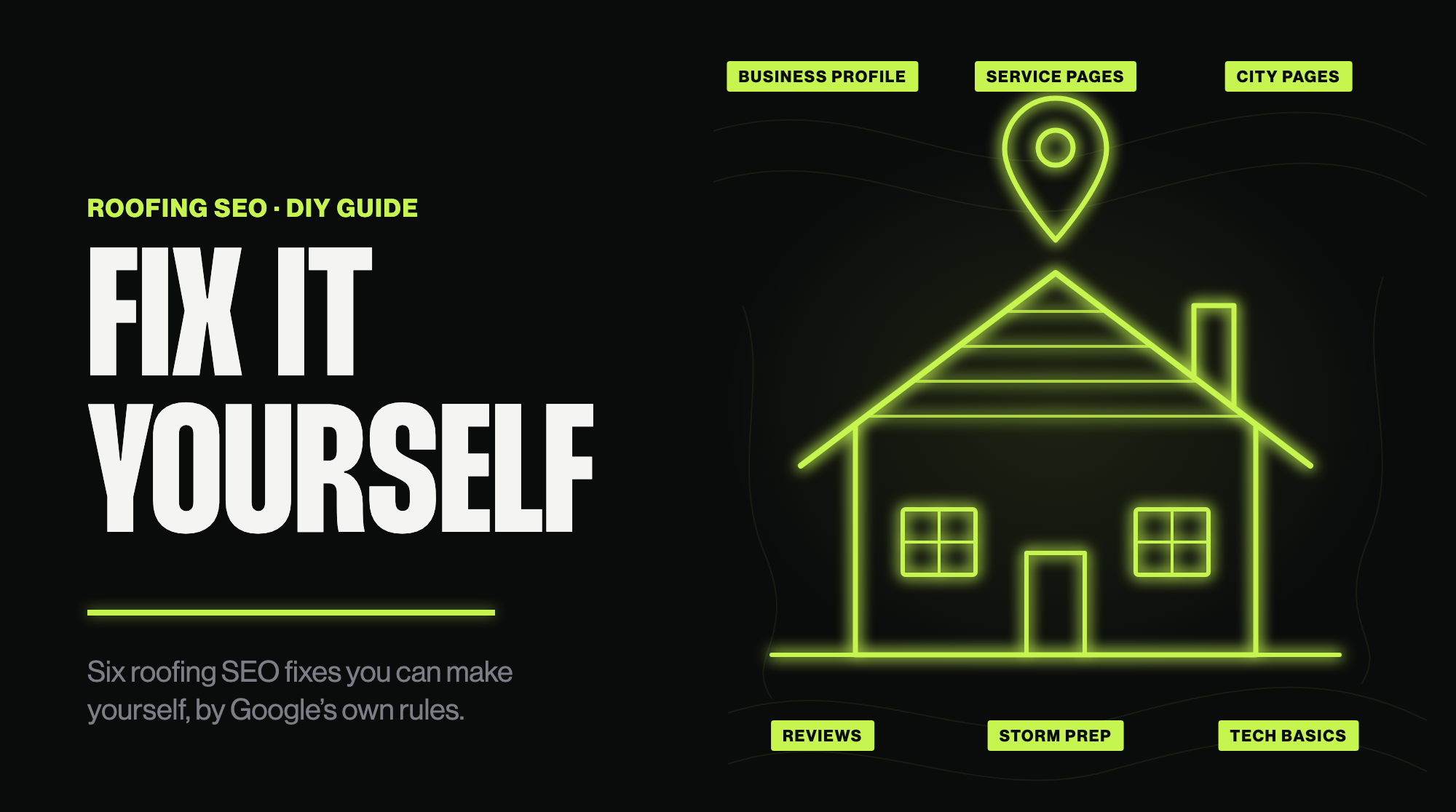
Roofing SEO is mostly three things you control: your Google Business Profile, one good page for each service you sell, and your reviews. You can fix all three yourself. That is most of what SEO for roofers means.
Roofers say it in their own words. One on r/Roofing wrote: “after getting burned by seo companies for years, I decided to do it in house.” Another, who runs a small roofing company, wrote on r/Roofing: “I’ve tried Angie’s List and Google Ads but those seem to be just money pits.”
This guide covers what to fix, where to fix it, and which tempting tactics break the rules. Each rule below links to the page where Google or the FTC states it.
Key takeaways
- Map results and regular results work differently. Your Google Business Profile drives the map.
- Verify your profile first. Without that, Google shows no performance numbers.
- You cannot pay Google for a better local spot.
- Extra information in your business name, thin pages for every town, and bought or gated reviews break Google or FTC rules.
- Measure calls and leads, not rankings.
How Google picks which roofing companies show up
When someone searches “roofer near me”, Google usually shows a map with businesses, then regular website results. The map draws on Google Business Profiles. The regular results draw on web pages. You can win one and miss the other, so work on both.
For the map, Google’s help page Tips to improve your local ranking on Google says “Local results are mainly based on relevance, distance, and popularity.” It then calls the third factor prominence and defines all three:
- Relevance: “how well a Business Profile matches what someone is searching for.”
- Distance: “how far each business is from the customer who’s searching.”
- Prominence: “how well-known a business is.”
You cannot change distance. You can work on the other two. Relevance comes from complete, accurate profile information and pages that match what you sell. Prominence is also based on “how many websites link to your business and how many reviews you have.” Reviews are the biggest part you control. Google says “More reviews and positive ratings can help your business’s local ranking.”
Google also says: “There’s no way to request or pay for a better local ranking on Google.” So you cannot pay Google to move you up the map.
Fix 1: Set up your Google Business Profile properly
Your Google Business Profile is the listing that shows your name, phone number, reviews and photos in Search and Maps. If you do one thing in this guide, do this. Google says “Businesses with complete and accurate info are more likely to show up in local search results.”
Verify your business first
Google says verifying “tells Google that you’re authorized to represent the business, so it’s more likely to show up in search results.” It also matters for measuring: Google says performance data is “available only for verified Business Profiles”. If you change your category later, Google may ask you to verify again. If you have not verified yet, follow Google’s verification steps.
Pick the right primary category
Google’s help page says to choose “a specific category from the list that shows up.” To change it: go to your Business Profile, select Edit profile, then next to “Business category” select Edit, pick from the list and save. Type “roofing” and choose the most specific roofing category Google offers. For most roofers that is “Roofing contractor”, the label Google Maps shows on roofer listings. Google does not publish its category list in the help pages, so check the names in the list Google shows you.
Keep categories few
Google’s guidelines say to select categories that complete the statement “This business IS a” rather than “this business HAS a.” Use the fewest, most specific categories that describe your core business. Your business is a roofing contractor. It does not become something else because you also hang gutters. Do not add categories as keywords.
Use your real business name
The same guidelines say: “Including unnecessary information in your business name isn’t permitted, and could result in the suspension of your Business Profile.” They list service or product information and location information as things to leave out. “Smith Roofing” is fine if that is what is on your truck and your invoices. “Smith Roofing Baton Rouge Best Roof Repair” is not. Check yours.
Set your service area, and hide your address if customers do not visit you
Most roofers go to the customer, so you are a service-area business. Google says service-area businesses should hide their address from customers. It also says the boundaries of your service area “shouldn’t extend farther than about 2 hours of driving time from where your business is based.” Google allows larger areas for some businesses, but list only where you really work.
Fill in everything else
Add your phone number, website, hours and services. Upload photos of real jobs: before and after, crews on site. Google says “You can show customers what you offer and tell the story of your business with photos and videos.” Stock photos tell a customer nothing about you.
Fix 2: Give each service its own page
Your website needs a page for each thing you want to be found for. One “Services” page is not enough. Each page should answer one topic well.
Make a page for each of these that you actually do:
- Roof replacement
- Roof repair
- Storm and hail damage
- Insurance claim help
- Metal roofing
- Gutters
Only list what you actually do. A page for work you do not do wastes the visitor’s time.
Each page needs the same few things:
- What the service is, in plain words.
- The materials and brands you install.
- Photos of your own jobs.
- What the customer does next: call, request an estimate, send photos.
- Your phone number, near the top.
Use the words customers use in the title and first heading. “Roof repair” beats a clever name. These are your roofing SEO keywords, and you do not need a tool for a first pass: the service, your city, and “roofer” where it reads naturally.
Link the pages from your home page and from each other.
Fix 3: Build city pages that help instead of hurt
One shortcut is a page per town: “Roofing in Town A”, “Roofing in Town B”, and so on, all with the same text and the town name swapped. Google treats that as a problem. Its spam policies say: “Doorway abuse is when sites or pages are created to rank for specific, similar search queries.” One example it lists is “multiple domain names or pages targeted at specific regions or cities that funnel users to one page.”
The rule is about pages that exist only to catch searches. A city page is fine when it is useful to someone in that city. It earns its place when it has things only you can write:
- Jobs you finished there, with photos.
- Local permit or code notes you deal with.
- Your local phone number, if you have one.
If you have nothing local to say about a town, do not make the page. List it in your service area on your Google Business Profile and on one “areas we serve” page.
Fix 4: Get reviews the legal way
Reviews are the biggest part of prominence you control. The goal is a steady flow of real ones.
Ask every customer
Ask at the end of every job, while the work is fresh. Make it easy. Google lets you create a link or QR code that opens your review box. On a computer, go to your Business Profile, select Read reviews, then Get more reviews, and copy the link. Google says QR codes can only be generated on a computer browser, not on mobile devices. Text the link to the customer. Google also says customers must be signed in to a Google Account to leave a review.
Google’s content policy says merchants “should not require or pressure users to leave ratings or write reviews while on the premises”. So send the link. Do not stand over the customer while they write.
Reply to your reviews
Google’s advice is to “reply to reviews and share your perspective.” Make each reply specific. Google says: “Instead of sending the same “thank you” to everyone, focus on reviews where you can share a helpful update or answer a question.” For a bad review, acknowledge the specific feedback, apologize where it is fair, and reply promptly. Google also says to avoid using a reply to offer deals.
What not to do
These tactics are banned:
- Do not pay for reviews. Google’s content policy does not allow merchants to offer incentives, “such as payment, discounts, free goods and/or services”, in exchange for posting any review. That includes a gift card or a discount on the next job.
- Do not only ask your happy customers. The same policy bars you from trying to “selectively solicit positive reviews from customers”. Ask everyone.
- Do not fake reviews, or have staff or family post them. The FTC’s final rule, announced on August 14, 2024, bans fake or false consumer reviews, and certain reviews by company insiders who do not clearly disclose their connection. It also bans compensation conditioned on a review expressing a particular sentiment. That covers a “leave five stars and get a discount” deal. Google’s policy separately bans content “based on a conflict of interest”, which it says may include “current or former employment” and “familial relationships”.
- Do not threaten people who leave bad reviews. The same FTC rule bars unfounded or groundless legal threats, physical threats or intimidation used to remove a negative review.
Fix 5: Get ready before storm season
After a hailstorm or hurricane you will be on roofs, not at your desk. So build the pieces before the storm.
In Louisiana, that means before hurricane season. Elsewhere, before your own bad-weather months. Do this ahead of time:
- Write the storm damage page now. Cover wind, hail and water damage. Say what you check, what to photograph, and how a customer reaches you. Link it from your home page.
- Write the insurance claim help page now. Say what you do and what you do not do. You can help document damage. You do not decide what the insurer pays.
- Check your Google Business Profile. Confirm your hours, phone number and service area are right. Add photos of recent jobs.
- Plan the review ask. Decide who texts the link after each job.
Keep the claims honest. Do not advertise a “free roof”. Do not promise what an insurance company will pay. Our Louisiana SEO guide has more on local search in Louisiana.
Fix 6: Cover the technical basics
You do not need to be technical for these. You just need to check them.
- Your site works on a phone. Open it on yours. Customers often search on a phone. If text is tiny or buttons are hard to tap, fix that first.
- Tap-to-call works. Your phone number should be a link that dials when tapped. Tap yours and see.
- The site loads quickly. Open it on your phone over mobile data. If you wait, resize your photos.
- Search Console is set up. Google Search Console is free. Google describes it as a service that helps you “monitor, maintain, and troubleshoot your site’s presence in Google Search results.”
- Local business markup. schema.org has a type called RoofingContractor, which it describes as “A roofing contractor.” and files under LocalBusiness. It is optional and will not rank you on its own. If someone manages your site, ask them to add it. If not, skip it.
Want someone to check all of this? That is what our free diagnosis is for.
Showing up in ChatGPT and Google’s AI answers
Some customers now ask AI tools for a roofer. Google’s page on AI features and your website says: “There are no additional requirements to appear in AI Overviews or AI Mode, nor other special optimizations necessary.” It also says you do not need new machine-readable files or special markup. The same basics apply: a useful site, an accurate Business Profile, and real reviews.
Check where you stand with a quick test. Ask ChatGPT and Gemini: “best roofer in [your town]”. Note which companies they name. Compare their profiles and sites with yours. That tells you what to fix.
For more, read our guide to AI search optimization or see our AI search page.
How to tell if it is working
Do not judge SEO by rankings alone. Calls are the point.
Look in three places:
- Your Business Profile performance. Google’s help page describes calls as “The number of times a customer clicked on the call button on your Business Profile” and directions as “How many people asked for directions to your business.” On desktop, open your Business Profile and select Performance. This only works once your profile is verified.
- Search Console. Check which searches show your site and how often people click.
- Your own phone. Ask every caller how they found you, and write it down. It is the most honest number you will get.
Check them on the same schedule and compare.
When to hire help, and what to ask
If you have no time, or the site needs rebuilding, hiring help with local SEO for roofers makes sense. Be careful with whoever you pick. Walk away if you hear any of these:
- “We guarantee you will be number one.” Google says: “No one can guarantee a #1 ranking on Google.”
- They claim a special relationship with Google. Google also says to “Beware of SEOs that claim to guarantee rankings, allege a ‘special relationship’ with Google, or advertise a ‘priority submit’ to Google.”
- They want extra information in your business name. That breaks Google’s guidelines.
- They sell reviews, or tell you to give gift cards for reviews. That breaks Google’s policy and the FTC’s rule.
- They own your site. One reviewer of an agency wrote: “They own the webiste [sic] (YOUR WEBSITE).” Make sure you own your domain, your site and your Business Profile.
- They send reports but no calls. Ask how they will show you calls and leads.
Our local SEO service is one option, but before you pay anyone, including us, get a free diagnosis. We look at your site, Business Profile and AI visibility and send you a short list of what to fix first. You keep it whether or not you hire us. And if you do not need us, we will say so.
Get my free diagnosis
FAQ
Is SEO worth it for roofers?
For most roofers, yes, because customers search Google and call whoever shows up and looks trustworthy. Start with the parts that cost only time: your Google Business Profile, a page per service, and real reviews. Judge it by calls and leads.
Can I do SEO for my roofing company myself?
Yes. Most roofing SEO needs no special tools. Set up your Google Business Profile, build honest service pages, ask every customer for a review, and check your site on a phone. Hire help for the rest.
What keywords should a roofer target?
Start with what you sell plus where you work: “roof repair”, “roof replacement”, “storm damage roof repair” and your city. Give each its own page, and write the way customers talk.
Is SEO or Google Ads better for roofers?
They do different jobs. Ads send calls while you pay for them. SEO builds a profile and pages that work without a per-click fee. Some roofers are disappointed by ads, as the second roofer quoted at the top said. Fix the free basics first, then decide whether ads fit your business.